Reporting an Oregon Deer or Elk Tag
After the adrenaline rush of a successful deer or elk hunt in Oregon, the last thing many of us want to think about is paperwork. You’ve put in the sweat, done the scouting, maybe even packed out an animal in the dark, and now you just want to celebrate, or at least get some much-needed rest. But that mandatory harvest report isn’t just a formality; it’s a critical piece of the puzzle for wildlife management, and forgetting it can lead to frustrating penalties. This guide will walk you through exactly how to report your Oregon deer or elk tag, what information you'll need, and how to avoid those unwelcome fees, ensuring your successful hunt wraps up smoothly.
Why Reporting Your Deer or Elk Harvest is Crucial
It might feel like just another step in a long process, but reporting your deer or elk harvest to the Oregon Department of Fish and Wildlife (ODFW) is genuinely fundamental to how our wildlife is managed. It's not about tracking individual hunters or being punitive; it's about gathering vital data that helps ensure healthy populations and sustainable hunting opportunities for years to come. Think of it as your part in a much larger conservation effort, a responsibility that comes with the privilege of hunting in this beautiful state.
Understanding Herd Health and Management
When ODFW collects harvest reports, they're essentially taking the pulse of our deer and elk herds. Every tag reported, whether it's a harvested animal or an unfilled tag, contributes to a massive dataset. This data allows biologists to estimate population sizes, track success rates, and monitor herd health. For instance, if harvest numbers for mule deer in Eastern Oregon are consistently low, and reports indicate a high number of unfilled tags, it tells ODFW that those populations might be struggling. They can then investigate factors like habitat loss, disease, or predation pressure. This information directly influences future tag allocations and season structures, ensuring that hunting pressure doesn't inadvertently harm a struggling herd while allowing for generous opportunities where populations are robust. Without accurate reporting, ODFW would be flying blind, making it incredibly difficult to manage these magnificent animals effectively.
Funding Conservation Efforts
Beyond population estimates, harvest reporting plays a role in funding. While the direct penalty for not reporting goes into a general ODFW fund, the overall system supports the agency's work. The sale of tags and licenses is the primary funding mechanism for wildlife conservation in Oregon. When you purchase your tag, that money goes towards habitat improvement projects, disease monitoring, law enforcement, and research. The data collected from harvest reports helps ODFW justify these programs and demonstrate the efficacy of their management strategies. It also highlights the economic impact of hunting, which can be crucial when advocating for wildlife conservation policies. Every hunter, by participating in this process, contributes to the bigger picture of wildlife stewardship, ensuring that our natural resources are protected and enhanced for future generations. For more context on how ODFW utilizes this data, you might be interested in How ODFW Counts Big Game and Reading an Oregon Big Game Statistics Report.
The Oregon Harvest Reporting System
Oregon has streamlined its harvest reporting through the Electronic Licensing System (ELS), making it fairly straightforward once you know your way around. Gone are the days of mailing in postcards; everything is done online. This system is designed to be accessible and efficient, but it does require you to be proactive and log in to submit your information. Don't worry, it's not overly complicated, but a little preparation can save you a headache.
Accessing the Electronic Licensing System ELS
To report your harvest, you'll need to head to the ODFW website and navigate to their Electronic Licensing System (ELS). This is the same portal you use to purchase your hunting license and tags, apply for controlled hunts, or check draw results. You'll need your ODFW ID number and your password to log in. If you've never logged in before, or if it's been a while, you might need to recover your password. It’s always a good idea to test your login credentials before the reporting deadline is looming, especially if you're out in the field and relying on spotty service, or trying to do it from a remote camp. Many hunters, myself included, have had that moment of panic when they realize they can't remember their password just when they need it most. So, bookmark the ELS page and make sure your login works well in advance. For specific guidance, see Where to Report an Oregon Hunt Online.
Information Needed for Your Report
Before you log in, gather all the necessary details. This will make the reporting process much quicker and prevent you from having to backtrack. For deer and elk tags, the critical information you'll need includes:
- Your ODFW ID Number: This is unique to you and ties all your hunting and fishing activities together.
- Tag Number: Located on your printed tag.
- Date of Harvest: The exact day you harvested the animal.
- Wildlife Management Unit (WMU) or Hunt Area: The specific unit where you harvested the animal. This is crucial for ODFW's data collection. Make sure you know which unit you were in! Sometimes boundaries can be tricky.
- Species and Sex of Animal: Was it a deer or an elk? Was it a buck/bull, or a doe/cow?
- Antler Points (for antlered animals): For deer, this typically means points on one side (e.g., 2-point, 3-point, 4-point, or more). For elk, it's total points (e.g., 5×5, 6×6).
- Method of Take: Rifle, archery, or muzzleloader.
Having this information written down or easily accessible will save you from scrambling. It’s a good practice to fill out your physical tag immediately after harvesting an animal, as the tag itself requires much of this same data. That way, you're not trying to remember details weeks later.
Step-by-Step Guide to Reporting Your Harvest
Reporting your Oregon deer or elk harvest online is designed to be intuitive, but like any digital system, a little guidance can make it even smoother. Don't feel intimidated if you're not tech-savvy; ODFW has done a decent job of making it user-friendly. Just follow these steps, and you'll have your report submitted in no time.
Logging In and Navigating the Portal
Once you're at the ODFW ELS login page, enter your ODFW ID and password. If you've forgotten your password, there's a "Forgot Password" link that will guide you through the reset process. This is why it's so important to have your email address associated with your account up to date. After successfully logging in, you'll land on your personal dashboard. Look for a section or link usually labeled something like "Report a Harvest" or "Mandatory Harvest Reporting." It's usually pretty prominent, as it's a key function of the portal during and after hunting seasons. Sometimes, you might see a notification on your dashboard specifically reminding you about outstanding reports. This is your cue to get it done!
Entering Your Harvest Details
Clicking the "Report a Harvest" link will take you to a page where you'll see a list of your purchased tags that require reporting. Select the specific deer or elk tag you need to report. The system will then prompt you to enter the details you gathered earlier. This usually involves a series of drop-down menus and text fields:
- Tag Information: Confirm the tag number and species.
- Harvest Status: This is where you indicate whether you harvested an animal (successful) or did not (unsuccessful/unfilled).
- If successful: You'll enter the date of harvest, the Wildlife Management Unit (WMU) or hunt area, the sex of the animal (buck/doe, bull/cow), and the number of antler points. For elk, if it's a spike or a specific antlered classification, you'll usually choose that option.
- If unsuccessful: Simply indicate that you did not harvest an animal. This is just as important as reporting a successful harvest! Reporting an Unfilled Oregon Tag is mandatory too, and it provides ODFW with crucial data on hunting effort and animal availability.
- Method of Take: Select whether you used a rifle, archery equipment, or a muzzleloader.
Double-check every entry before moving on. A simple mistake in the unit number or date could skew ODFW's data for that area. It's easy to accidentally click the wrong dropdown option, so a quick review can save you a lot of hassle and ensure the data is accurate.
Confirming and Submitting Your Report
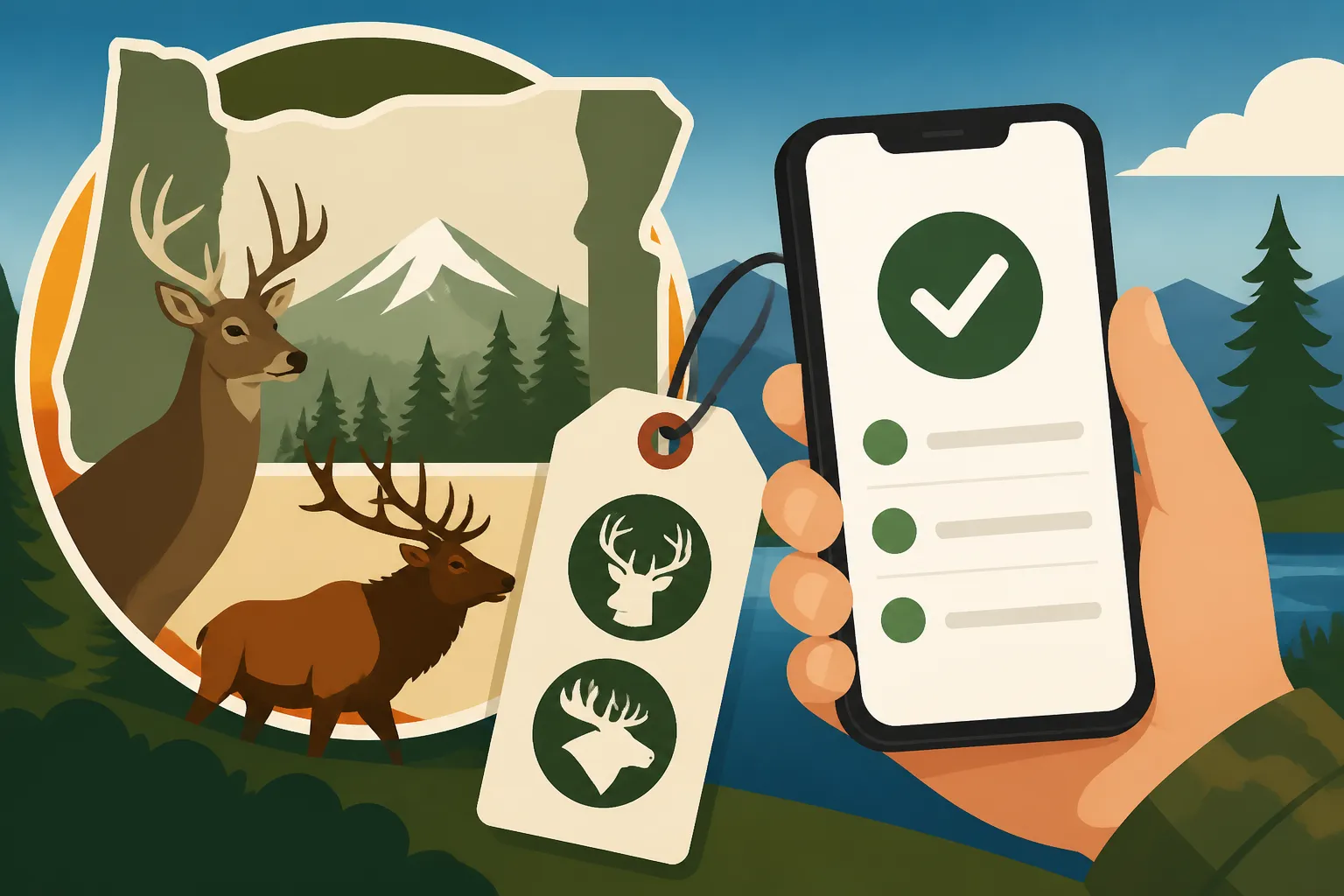
After you've entered all the required details, the system will typically present you with a summary of your report. This is your final chance to review everything one last time. Take a moment, read through it, and ensure all information is correct. If anything looks off, you can usually go back and edit it. Once you're confident everything is accurate, click the "Submit" or "Confirm" button. The system should then provide you with a confirmation message, often including a confirmation number. It's a really good idea to screenshot this or print it out for your records. This confirmation is your proof that you fulfilled your reporting obligation, which can be invaluable if there's ever a question about your compliance down the road. Remember, Oregon Mandatory Harvest Reporting and the $25 Penalty is serious, so having that confirmation can protect you.
Common Reporting Scenarios and Challenges
Even with a straightforward system, hunters often encounter specific situations that can cause confusion. Knowing how to handle an unfilled tag, understanding the penalty structure, or managing multiple tags can save you from frustration and ensure you remain compliant with ODFW regulations.
Reporting an Unfilled Tag
It’s a common misconception that you only need to report if you're lucky enough to harvest an animal. This couldn't be further from the truth in Oregon. Whether you harvested a trophy bull or spent the entire season enjoying the outdoors without firing a shot, every deer and elk tag purchased requires a harvest report. Reporting an unfilled tag is just as vital for ODFW's data collection as reporting a successful one. It tells biologists about hunter effort and success rates in specific units, which in turn informs future tag allocations and season settings. If countless hunters don't report their unfilled tags, ODFW might overestimate a herd's population or underestimate hunting pressure, leading to skewed management decisions. So, if you came home empty-handed, please make sure to log into the ELS and indicate that your tag was not filled. The process is quick and simple, often just a single click to indicate "unsuccessful." For a deeper dive into this specific requirement, check out Reporting an Unfilled Oregon Tag.
Dealing with the $25 Penalty
Missing the harvest reporting deadline for deer or elk tags in Oregon comes with a mandatory $25 penalty per tag. This isn't just a minor inconvenience; it's a real charge that gets added to your account. ODFW is quite clear about this in their regulations. What often catches hunters off guard is when this penalty is applied. It typically appears when you go to purchase your license or apply for tags in the following year. Imagine logging in to buy your elk tag next spring, only to find an unexpected $50 charge for the two deer tags you forgot to report last season. It can definitely put a damper on your excitement.
The penalty is explicitly designed to incentivize timely reporting and ensure ODFW gets the data they need. It’s important to understand that there’s usually no grace period or way to dispute it if you genuinely missed the deadline. The system is automated. While $25 might not seem like a fortune, it's a completely avoidable expense that can easily pile up if you have multiple unreported tags. This cost is clearly outlined in What the $25 Oregon Reporting Penalty Costs You.
Multiple Tags and Combined Reporting
Many hunters hold more than one tag in a given year – perhaps a general season deer tag and a controlled elk tag, or even multiple controlled tags. Each individual big game tag you purchase (deer, elk, bear, cougar, pronghorn, bighorn sheep, mountain goat) requires a separate harvest report. This means if you had a general archery deer tag and a Rocky Mountain elk controlled hunt tag, you'd need to submit two separate reports. The ELS will show all your active tags that require reporting, so you can go through them one by one.
It’s crucial not to assume that reporting one animal covers all your tags. Each unique tag number is tracked individually. The good news is that if you neglect to report multiple tags, you will only receive One Penalty for Multiple Unreported Oregon Tags in a single transaction or application window, even if you failed to report several different tags. However, that single penalty charge is $25 per unreported tag, so it can still add up significantly. For instance, if you forgot to report your deer, elk, and bear tag, you'd be looking at a $75 penalty. Always make it a habit to review your ELS account after the hunting season ends to ensure every single tag has been properly reported.
Deadlines and Avoiding Penalties
Understanding the specific deadlines for harvest reporting is paramount to avoiding the $25 penalty and ensuring your hunting privileges remain in good standing. These aren't arbitrary dates; they are set to allow ODFW sufficient time to compile data for the upcoming year's tag recommendations and regulations. Missing them can have real financial consequences.
Key Reporting Dates to Remember
Oregon's harvest reporting deadlines are generally tied to the end of the hunting year for each species. While the ODFW regulations pamphlet is always the definitive source, here are the general windows you need to keep in mind for deer and elk:
- Deer Tags (Archery, General Season, Controlled Hunts): The deadline for reporting all deer tags is typically January 31st following the close of the hunting year. So, for a deer tag from the 2024 season, the report would be due by January 31, 2025. This allows for all late-season hunts to conclude and gives hunters ample time over the holidays to submit their information. This is explicitly covered in Oregon Harvest Report Deadline in January.
- Elk Tags (Archery, General Season, Controlled Hunts): The deadline for all elk tags is typically April 30th following the close of the hunting year. This later deadline accounts for the extended elk seasons, particularly the later Rocky Mountain rifle hunts. For a 2024 elk tag, the report would be due by April 30, 2025. You can find more details on this specific deadline in Oregon Harvest Report Deadline in April.
It's a really smart move to mark these dates on your calendar as soon as you buy your tags, or even better, report your harvest (or lack thereof) as soon as your season for that specific tag concludes. Don't wait until the last minute! Internet outages, forgotten passwords, or technical glitches always seem to crop up precisely when you're racing against a deadline.
Understanding the $25 Penalty Costs You
As we've touched on, the financial hit for not reporting is a non-negotiable $25 per unreported big game tag. This penalty isn't just theoretical; it's a very real charge. When you try to buy your next hunting license, apply for a controlled hunt, or purchase any other tag through the ODFW ELS, the system will automatically flag any outstanding reporting requirements and add the associated $25 penalty to your cart. You will not be able to complete your transaction until these penalties are paid.
This can be a rude awakening for hunters who thought they had completed their obligations or simply forgot. It forces compliance retroactively, but at a cost. Imagine trying to apply for a coveted limited entry elk tag in May, only to find you owe $50 from last year's unreported deer and bear tags. That's an extra, completely avoidable, expense on top of your application fees and new tag costs. ODFW doesn't send out specific invoices for these penalties; they simply append them to your next transaction. There are very few exceptions to this rule, and generally, if the system shows you owe it, you'll need to pay it to continue participating in future hunting seasons. This strict enforcement highlights how seriously ODFW takes harvest data collection, as detailed in When the Oregon Reporting Penalty Is Charged.
Troubleshooting and Additional Resources
Sometimes, despite your best efforts, you might run into a snag when reporting your harvest. Technology isn't always perfect, and questions can arise. Knowing where to turn for help can save you considerable stress and ensure your report gets submitted correctly and on time.
What to Do If You Encounter Errors
If you're in the middle of submitting your report and the ODFW ELS throws an error message, don't panic. First, try refreshing the page or logging out and logging back in. Sometimes, it's a minor glitch or a temporary server issue. If the error persists, carefully read the message. Is it indicating missing information, an incorrect format for a date, or something else specific? Often, the error message itself can point you to the problem area.
For example, if you're using a web browser that's very old or has strict privacy settings, it might interfere with the ELS. Try switching to a different browser (like Chrome, Firefox, or Edge) or accessing the system from a different device. Clearing your browser's cache and cookies can also sometimes resolve stubborn website issues. If you still can't get it to work after these basic troubleshooting steps, document the error message – take a screenshot or write down the exact wording. This information will be incredibly helpful if you need to contact ODFW support.
Contacting ODFW for Support
If you've exhausted your troubleshooting options and are still unable to submit your harvest report, the best course of action is to contact the Oregon Department of Fish and Wildlife directly. They have dedicated staff to assist with licensing and reporting issues.
You can usually find their contact information on the ODFW website, often under "Contact Us" or on the ELS login page itself.
- Phone: Calling during business hours is often the quickest way to get a personalized solution. Be prepared to provide your ODFW ID number and describe the problem in detail, including any error messages you encountered.
- Email: If it's outside business hours or less urgent, sending an email with screenshots of the error can be effective. Just be aware that email responses might take a day or two, so factor that into your deadline.
Don't wait until the last possible minute on the deadline day to contact them. If you call on January 31st and can't get through, you're still on the hook for the penalty. Reaching out a week or two beforehand gives you a much better chance of resolving the issue without incident. Remember, they are there to help you comply with the regulations, not to penalize you for technical difficulties you can't control, assuming you made a good faith effort to report.
Disclaimer
Please note that hunting regulations, seasons, and reporting requirements can change. Always consult the most current Oregon Department of Fish and Wildlife (ODFW) hunting regulations pamphlet or their official website for the most up-to-date and accurate information before planning and executing your hunt. The information provided in this article is for general guidance only and should not be considered a substitute for official ODFW publications.