Where to Report an Oregon Hunt Online
That feeling after a long, challenging hunt in Oregon, maybe you've packed out a Roosevelt bull from the Coast Range, or perhaps you just spent a week chasing blacktails through the timber, and now you're finally home, tired but content. The last thing on your mind is often the mandatory harvest report. It feels like a chore, a piece of paperwork that snags the end of an otherwise perfect experience. But trust me, overlooking this crucial step can lead to frustration and penalties down the line. This guide will walk you through exactly where and how to report your Oregon hunt online, making sure you cross that finish line smoothly.
The Importance of Harvest Reporting for Oregon's Wildlife Management
It’s easy to look at hunt reporting as just another bureaucratic hoop to jump through, especially when you're exhausted from a multi-day trip. However, this simple act is absolutely foundational to how the Oregon Department of Fish and Wildlife (ODFW) manages our state's diverse big game populations. Without accurate data from hunters, wildlife biologists are essentially flying blind.
Why ODFW Needs Your Data
Every single report, whether you harvested an animal or not, contributes to a massive dataset that ODFW uses to make critical decisions. Think about it: they need to know how many tags to issue for the next season, which units are seeing more success, and where pressure might be too high or too low. Your report helps them understand herd health, success rates, and even the sex ratios of harvested animals. This information directly influences tag numbers and season structures for future years, ensuring sustainable hunting opportunities for all of us. When you take the time to accurately report that buck you harvested near John Day or the cow elk you tagged in the Wenaha-Tucannon, you're directly participating in the conservation efforts that keep Oregon's hunting heritage alive. It might feel like a tiny detail in your personal hunting story, but collectively, these details paint a clear picture for wildlife managers. This data is regularly compiled into an Oregon Big Game Statistics Report, which is then used to inform decisions and can be reviewed by the public.
Consequences of Not Reporting
The biggest immediate consequence of failing to report your hunt in Oregon is the Oregon Mandatory Harvest Reporting and the $25 Penalty. That's right, ODFW will hit you with a $25 penalty for each unreported big game tag. It’s not just a fine, though; this penalty can also block you from purchasing future tags or applying for controlled hunts until it's paid. Imagine finally drawing that dream tag for a premium unit after years of collecting preference points, only to find out you can't buy it because you forgot to report a general season deer tag from two years ago. It's a preventable headache that nobody wants. These penalties are designed to emphasize the importance of data collection, not just to punish hunters. The system is set up to remind you, but ultimately, the responsibility falls on the individual hunter.
Navigating the Oregon Department of Fish and Wildlife (ODFW) Online Reporting System
The good news is that reporting your hunt online through ODFW's system is relatively straightforward once you know where to go and what information you'll need. Gone are the days of mailing in postcards; it's all digital now.
Step-by-Step Online Reporting Process
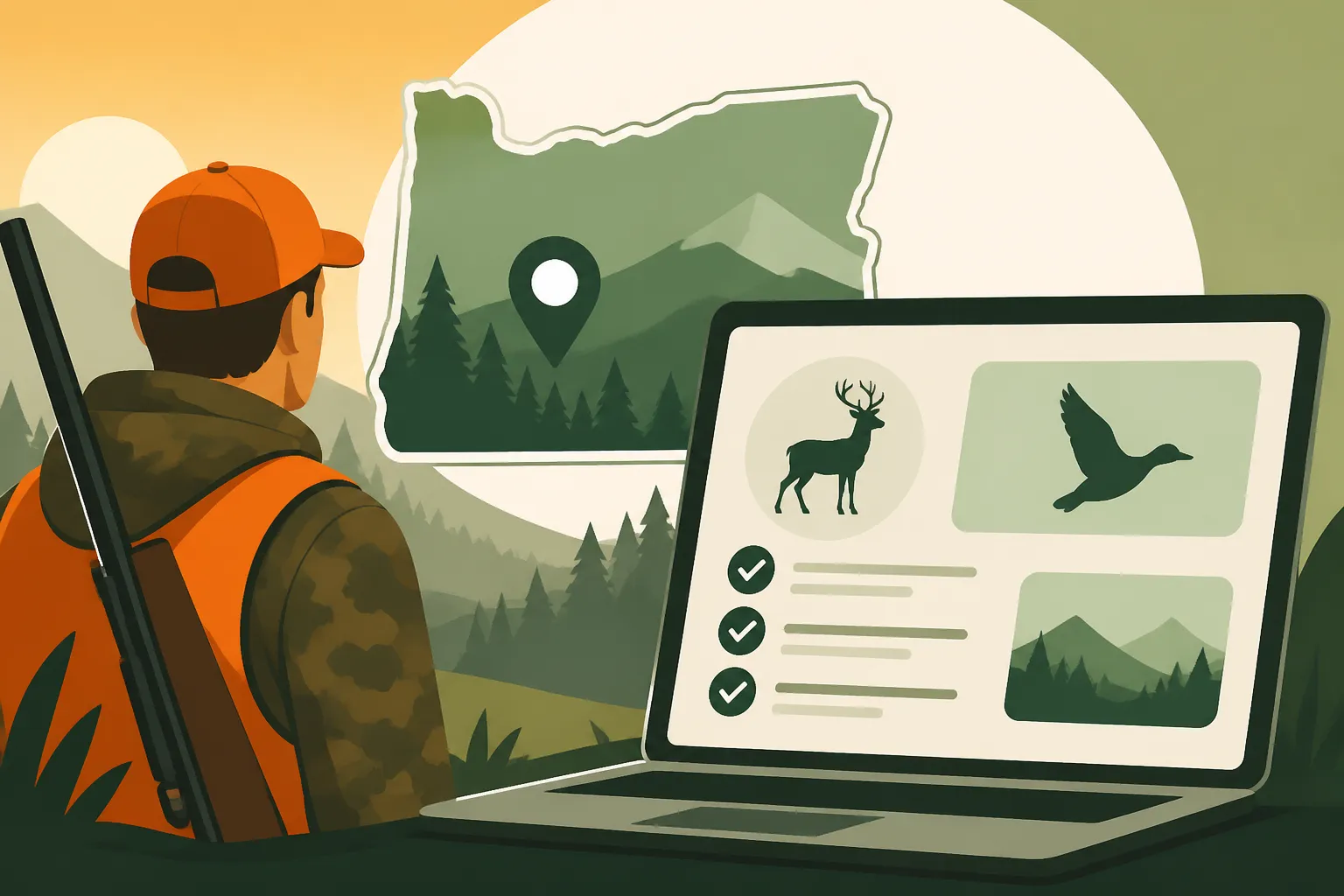
The first thing you'll need to do is head over to ODFW's Electronic Licensing System (ELS). You'll typically log in using your hunter/angler ID and password. If you haven't set up an account or have forgotten your credentials, you’ll need to go through the recovery process, which can sometimes be a little bit of a speed bump. It's a good idea to make sure you can access your account well before the reporting deadline. Once logged in, you'll see a section for "Harvest Reporting."
Here’s a general rundown of the steps you'll follow:
- Log In: Go to the MyODFW website and find the "Purchase a License/Report a Hunt" link, which will take you to the ELS login page. Use your Hunter/Angler ID and password. If you’re having trouble, check out this guide on the Oregon Electronic Licensing System Login for help.
- Select "Report Harvest": Once logged in, navigate to the harvest reporting section. You’ll usually see a list of your purchased big game tags.
- Choose Your Tag: Select the specific tag you need to report (e.g., "Buck Deer General Western Oregon," "Rocky Mountain Elk Controlled Hunt").
- Enter Harvest Details (if successful):
- Date of Harvest: The exact day you harvested the animal.
- Time of Harvest: (Optional, but helpful)
- County of Harvest: This is crucial. If you hunted near a county line, ensure you select the correct one.
- Nearest City/Town: This helps ODFW pinpoint the general area.
- Wildlife Management Unit (WMU) or Hunt Area: Select the unit where the harvest occurred. With ODFW's shift to new hunt areas, make sure you're selecting the correct designation for your tag.
- Species and Sex: Confirm the animal you harvested (e.g., deer, elk) and its sex (buck/doe, bull/cow).
- Antler Points (for antlered animals): Count the points on one side, including the brow tine. If it's a spike, report it as such.
- Method of Take: (Rifle, Archery, Muzzleloader)
- Private vs. Public Land: Indicate whether the harvest occurred on private or public land.
- Number of Days Hunted: Provide an estimate of how many days you spent hunting for that specific tag.
- Confirm and Submit: Review all the entered information carefully. One small mistake can skew the data. Once you're sure everything is correct, hit submit. You'll usually receive a confirmation number or email. Keep this for your records!
Essential Information You'll Need
To make the online reporting process as quick and painless as possible, have the following information readily available before you log in:
- Your Hunter/Angler ID: This is your unique identifier.
- The Specific Tag Number: While the system usually lists your tags, having the number handy can sometimes speed things up or help troubleshoot if there's an issue.
- Date of Harvest: Crucial for accurate data. Jot it down immediately after the harvest.
- Exact Location of Harvest: This includes the county, the nearest city or town, and the Wildlife Management Unit (WMU) or hunt area. Knowing the specific ODFW unit where you harvested your animal is really important. Sometimes, it's easy to get this mixed up if you hunted near a boundary. If you used a mapping app during your hunt, you can often pull up the coordinates or a precise location to verify.
- Species and Sex of the Animal: Was it a buck or a doe? A bull or a cow?
- Antler Points (if applicable): For deer or elk, count the points on one antler.
- Method of Take: Rifle, bow, or muzzleloader.
- Land Type: Public or private land.
- Number of Days Hunted: An estimate of your effort.
Trying to remember these details weeks after your hunt can be a challenge. That's why many seasoned hunters recommend keeping a small hunting journal or at least making a note on your phone immediately after you punch your tag.
What to Do If You Didn't Harvest
Sometimes, despite all your efforts, the tags remain unpunched. This happens to even the most experienced hunters. The good news is that you still need to report, and the process is even simpler. When you go to the "Harvest Reporting" section and select your tag, you'll simply indicate that you did not harvest an animal. You'll still need to input the number of days you hunted and the unit/county where you spent most of your time hunting, but the specific animal details won't be required. Remember, reporting an unfilled tag is just as important for ODFW's data collection as reporting a successful one, as it helps them gauge hunter effort and overall success rates. Don't skip this step! Failing to report an unfilled tag still carries that $25 penalty. For a more detailed walkthrough, you can read more about Reporting an Unfilled Oregon Tag.
Using Third-Party Resources and Tools for Hunt Planning and Reporting Reminders
In the age of digital tools, there are fantastic resources available that can not only help you plan your Oregon hunts but also keep you on track with reporting deadlines.
Leveraging Platforms Like GoHunt
Modern hunting platforms are invaluable for everything from pre-season scouting to ensuring you meet your post-hunt obligations. A prime example is GoHunt. Many hunters rely on it for its detailed maps, harvest statistics, and unit profiles. What some might not realize is how these platforms can indirectly assist with harvest reporting.
GoHunt, for instance, offers robust mapping tools that allow you to mark your exact kill location. This data, stored digitally, can be a lifesaver when it comes time to report your hunt to ODFW. Instead of trying to remember which county line you were near or what the closest town was, you can simply pull up your marked waypoint on the GoHunt map and accurately fill out the ODFW report. Furthermore, many such platforms send out reminders for important deadlines, including application deadlines like the Oregon Controlled Hunt Application Deadline and, crucially, harvest reporting deadlines. This can be a huge benefit when you’re juggling multiple tags and life’s other demands. Utilizing a tool like GoHunt can transform a stressful "remember to report" into a simple data transfer from one digital source to another.
Setting Up Personal Reminders
Even with sophisticated platforms, personal reminders are your best friend. The Oregon harvest reporting deadlines typically fall in January (for most general season deer/elk hunts) and April (for late-season hunts or specific species like spring bear). However, these deadlines are based on the hunt end date, not necessarily when you harvested the animal.
Here’s how to effectively set up reminders:
- Calendar Alerts: Immediately after you draw a tag or purchase an over-the-counter tag, set a calendar reminder on your phone or computer for two weeks before the official ODFW reporting deadline for that specific hunt.
- Multiple Reminders: Don't just set one! Set an initial reminder a month out, then another a week out. This multi-layered approach makes it harder to forget.
- Post-Hunt Note: As soon as you field dress and quarter your animal, take a moment to write down the date, time, and specific location (county, nearest landmark, ODFW unit) somewhere secure. This could be in a waterproof notebook, a note on your phone, or directly into a mapping app like GoHunt.
- The Regulation Pamphlet: Always double-check the current year's ODFW Big Game Regulations pamphlet for exact dates. You can find information on the different Oregon Harvest Report Deadline in January and the Oregon Harvest Report Deadline in April.
Accessing ODFW's Online Hunting Map and Resources
The ODFW website itself is a treasure trove of information that can assist with accurate reporting. Their online mapping tool can help you verify unit boundaries and identify the nearest town or county for your harvest location. If you’re ever unsure about which unit you were in, especially if you hunted near a border, pulling up their interactive map is invaluable. You can overlay different layers, like hunt unit boundaries, to get precise information. This is particularly useful for hunters who are new to a specific area or those who like to explore different units each year. Knowing how to use resources like the Finding a Hunt Area Map for Oregon can save you a lot of guesswork and ensure your report is accurate, which in turn helps ODFW maintain reliable data for our collective benefit.
Common Reporting Scenarios and Troubleshooting
Even with the best preparation, unique situations can arise. Knowing how to handle them can prevent unnecessary stress.
Reporting Multiple Tags
It's not uncommon for hunters in Oregon to hold multiple big game tags in a single season. Maybe you had a general season deer tag and then drew a controlled elk tag later in the year. Each tag requires its own separate harvest report. You’ll go through the same online reporting process for each individual tag number. For example, if you harvested a blacktail buck with your general season tag in October and an archery bull elk with a controlled tag in September, you'd complete two distinct reports. One for the deer, detailing its harvest information, and another for the elk.
Remember, the $25 penalty applies per unreported tag, not per hunter. So, if you failed to report both a deer and an elk tag, that would be a $50 penalty. Make sure you understand that there is One Penalty for Multiple Unreported Oregon Tags if you miss the deadline for several hunts. Stay organized and use your reminder system for each tag you hold.
Late Reporting and Penalties
Life happens, and sometimes, despite your best intentions, a deadline slips by. If you realize you’ve missed the harvest reporting deadline, don’t just ignore it. The $25 penalty will be assessed, but it’s better to report late and pay the penalty than to let it linger and potentially affect your ability to buy future licenses or apply for tags.
ODFW typically sends out reminder notices, often via email, as the deadlines approach. If you get one of these and realize you haven't reported, act immediately. The penalty might show up on your account, and you'll need to resolve it by paying the fee before you can purchase new licenses for the following year. It’s a pain, but a necessary step to stay in good standing with ODFW. Be mindful of the Oregon Harvest Report Deadline in January and the Oregon Harvest Report Deadline in April which vary depending on the season and species.
Technical Issues and ODFW Support
While the ODFW ELS system is generally reliable, like any online platform, it can experience technical glitches. You might encounter slow loading times, error messages, or difficulty logging in, especially during peak reporting periods just before a major deadline.
If you run into a persistent technical issue:
- Try a Different Browser: Sometimes, a different web browser (Chrome, Firefox, Edge, Safari) can resolve compatibility problems.
- Clear Cache and Cookies: This is a common fix for many website issues.
- Check Your Internet Connection: Ensure you have a stable connection.
- Try Later: If it's a known system-wide issue, ODFW might be working on it. Try again in a few hours.
- Contact ODFW: If the problem persists, don't hesitate to contact ODFW directly. Their licensing and harvest reporting support staff can usually walk you through the issue or report it on your behalf if necessary. It's always better to reach out than to miss a deadline due to a technical snag. Keep a record of who you spoke with and when, just in case. You can usually find their contact information clearly listed on the MyODFW website.
Remember, the responsibility to report falls on the hunter. While ODFW strives for a smooth process, technical issues shouldn't be an excuse for not reporting.
Required Information for Online Harvest Reporting
| Information Field | Description | Importance |
|---|---|---|
| Hunter/Angler ID | Your unique ODFW identification number. | Required for login and tracking your tags. |
| Tag Number | The specific number for the tag being reported. | Identifies which tag you are fulfilling. |
| Harvest Date | The exact date the animal was taken. | Critical for ODFW's season-specific data. |
| County of Harvest | The county where the animal was harvested. | Essential for regional population management. |
| Nearest City/Town | Helps ODFW pinpoint the general harvest area. | Aids in spatial analysis of harvests. |
| Wildlife Management Unit | The specific ODFW unit/hunt area where harvest occurred. | Fundamental for unit-specific tag quotas and management plans. |
| Species & Sex | E.g., Blacktail Buck, Roosevelt Cow. | Informs herd structure and reproduction studies. |
| Antler Points | Number of points on one antler (for deer/elk). | Provides insight into age class and trophy potential. |
| Method of Take | Rifle, Archery, Muzzleloader. | Helps ODFW understand success rates by weapon type. |
| Land Type | Public or Private. | Important for understanding hunter access and land use patterns. |
| Days Hunted | Estimated number of days spent pursuing this specific tag. | Measures hunter effort and helps calculate hunter success rates. |
| No Harvest | Option to select if no animal was taken. | Still required to indicate hunter effort and zero harvest for the tag. |
Disclaimer
The information provided in this guide is for general informational purposes only and is not intended as legal advice. Hunting regulations, deadlines, and online systems can change. Always consult the official Oregon Department of Fish and Wildlife (ODFW) website and the current year's Big Game Regulations pamphlet for the most accurate and up-to-date information before and after your hunt.